
Transfer responsibility before changing settings
When a building manager, tenant or system administrator changes, handing over a box of fobs is only part of the job. Someone must also be authorized to manage the system, decide who may enter and arrange help when a door fails. Start by identifying the outgoing administrator, the incoming administrator and the owner who can approve the transfer.
Confirm the boundary of responsibility. A business may control its suite while the building manager controls the lobby and common doors. Record which systems are included rather than assuming one account manages the whole property.
Make a record of doors and equipment
Create a list of the controlled doors, their everyday purpose and who is responsible for them. Record manufacturer and model information from existing documentation or safely visible labels. Include known service contacts and any instructions already held by the authorized manager.
- Door names and the areas they serve.
- System and reader information where known.
- The person or organization holding administrative authority.
- Existing support arrangements and where the manuals are stored.
- Physical keys or authorized fallback arrangements that need a separate handover.
- Unresolved faults, with dates and observed symptoms.
This record is for authorized staff. Do not publish controller details, network information, passwords or a map of security weaknesses in a general enquiry.
Review people and permissions separately
Ask the authorized administrator to review the user list and the permissions associated with each person or role. Identify departing users, temporary access and entries whose owner is unknown. Decide what each remaining person needs before requesting changes.
A returned card does not demonstrate that its permission has been removed. Equally, deleting a person's electronic access does not recover a physical key they held. Keep those tasks separate and record completion of both where applicable. The business key handover checklist covers physical key records.
Transfer administrative access using the system provider's supported process. Avoid simply sharing the outgoing person's password. If the incoming manager cannot establish legitimate administrative control, arrange assistance before making changes that could interrupt access.
Test the agreed everyday tasks
Plan checks with the responsible manager so normal building use can continue. Confirm that an authorized credential operates the intended door and that the door closes and secures as expected afterward. Check the agreed access restrictions using the system's supported procedures.
Record who checked each door, what was expected and what happened. A reader indicating acceptance does not by itself establish that the locking hardware released correctly. A door opening does not prove it closed and latched afterward. Record these as separate observations.
Keep exit operation and any fire-system interfaces within an appropriately qualified assessment. Do not disconnect power, bypass locking devices or alter those interfaces as an improvised handover test. The appropriate checks depend on the actual installation.
Separate configuration questions from faults
A user who cannot enter may have the wrong permission, a credential issue or a hardware fault. Describe the pattern: one person or everyone, one door or several, constant failure or an intermittent problem. Include any visible message and when the problem began.
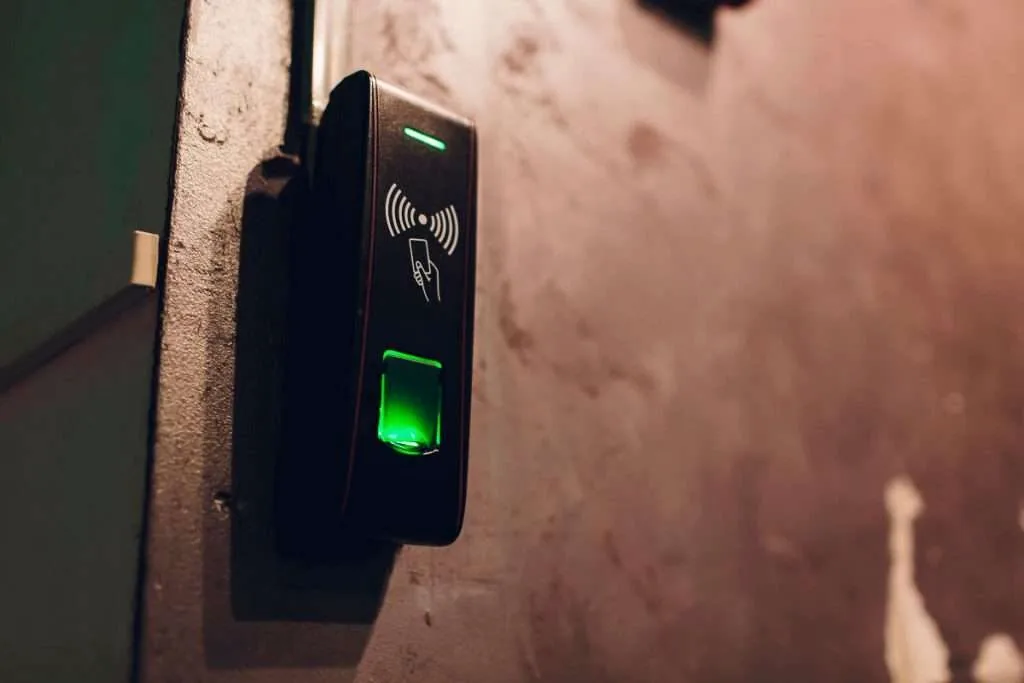
The access-control repair page describes assessment of existing systems. For a planned change in equipment or doors, the access-control installation page is the relevant destination. Support and scope must be checked against the actual system; a photograph of a reader cannot establish compatibility on its own.
If the handover reveals that new doors or user roles need a future project, use the access-control project brief to record those requirements separately. Do not treat a new installation request as completed handover work on the existing system.
Finish the handover with an agreed owner for the records, a list of unresolved items and a route for reporting faults. When requesting assistance, send the location, system identity if known, affected doors and symptoms. Arrange any sensitive exchange through an agreed channel instead of placing credentials in the website form.