
Serving Los Angeles County from Sherman Oaks, CA

Commercial Locksmith Services

Digital Lock Servicing

An existing keypad lock needs a product-specific assessment when input, bolt travel or authorized user settings no longer work as intended.

Sherman Oaks & Los Angeles · Scope and compatibility checked before work

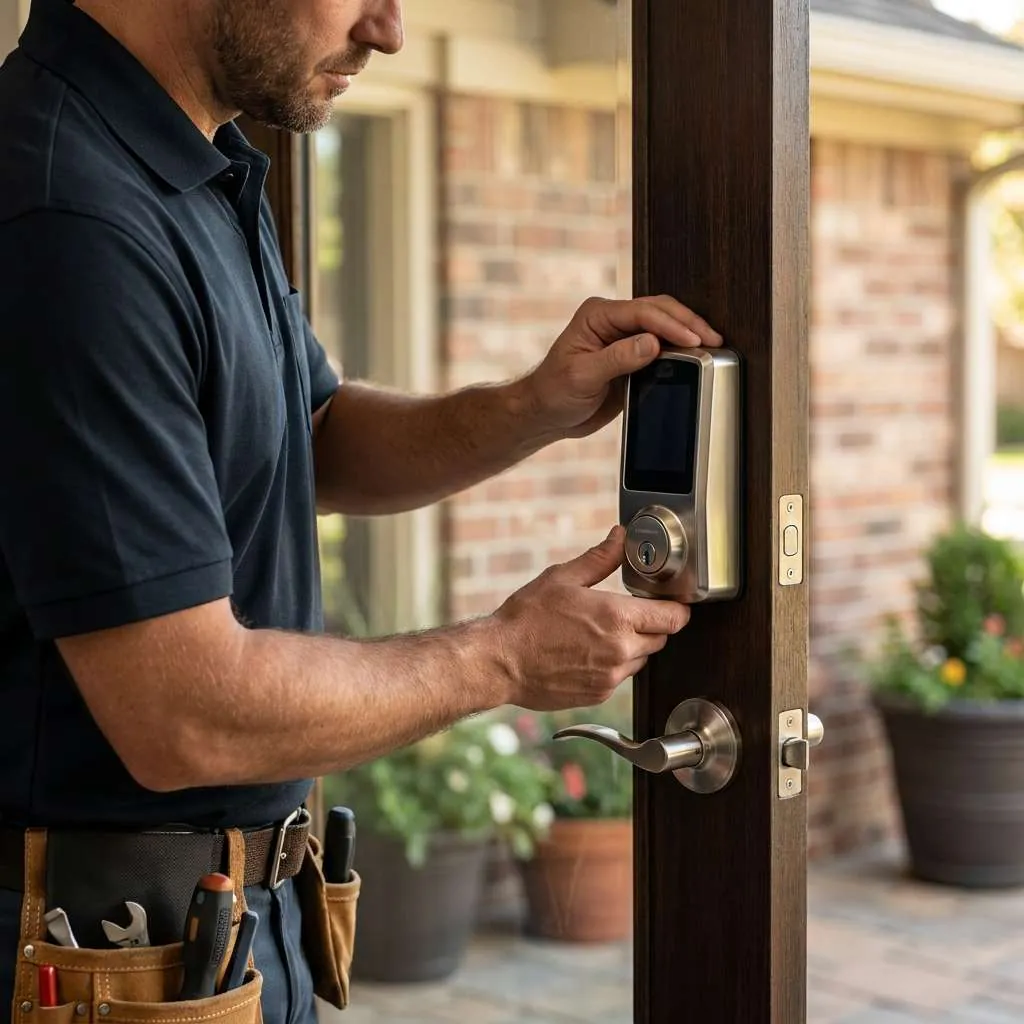
Illustration of a technician inspecting a keypad deadbolt on a door
Service illustration; actual hardware and supported work vary.

01 / Service overview

Describe which part of the lock stopped working

A digital lock combines a physical locking mechanism with electronic input and, on some products, a connected account. A keypad that lights up, a motor that moves and a door that is actually secured are separate observations.

Describing each one helps distinguish a setting or input problem from a fault in the door or locking hardware.

Service scope

Superior Locksmith Service's documented offerings include servicing and reprogramming digital locks. This page concerns an existing keypad or electronic door lock that behaves inconsistently, needs an authorized setup change or requires an assessment of its operation.

Support depends on the actual product, its condition and the access available to the authorized owner or administrator.

Choose the right service

This is different from fitting a new unit to a previously prepared door. For that work, use the smart-lock installation page.

For a building system with readers and controllers serving one or several doors, use access-control repair so the wider system can be described.

02 / Describe the problem

Three useful fault descriptions

The keypad does not respond normally

State whether the display is blank, input is ignored or a message appears. Mention when it last worked and whether anything changed beforehand.

Battery requirements and supported checks vary by model. Use the manufacturer's instructions rather than an unrelated reset sequence, and tell the office what has already been attempted.
The code is accepted but the bolt does not complete its movement

Describe the sound or movement and whether it happens with the door open as well as closed. A door or strike problem can affect normal bolt travel even when input is accepted.

Repeatedly commanding the lock does not explain the obstruction and should not replace an assessment of the mechanical operation.

Local operation works but an app or account does not

If the keypad operates the lock while remote control or notifications fail, say so. That separates the door's local behavior from connected functions.

Account access, the product's supported setup and any related network or hub may need review. A locksmith enquiry does not establish support for every app, account or network configuration.

03 / Details that matter

Start with the product and its instructions

Model and authority

Provide the manufacturer, model and any visible product information. Explain whether it is a standalone keypad lock or a connected unit.

If the lock is part of a managed property, identify the person who is authorized to administer it and any restrictions on changing its settings.

Product instructions

Keep the instructions available. A supported maintenance step for one lock may be inappropriate for another.

Battery type, handing, initialization and user-management procedures are product-specific. Avoid changing several settings at once while trying to reproduce a fault, because that can make it harder to distinguish the original issue from later changes.

Useful photographs

Photographs of the exterior, interior assembly and door edge can help establish the hardware arrangement. Do not include working codes, recovery credentials or account passwords in the images or initial enquiry.

Share only the information needed to identify the equipment and describe the observed behavior.

04 / Hardware check

Check door operation before assuming an electronic failure

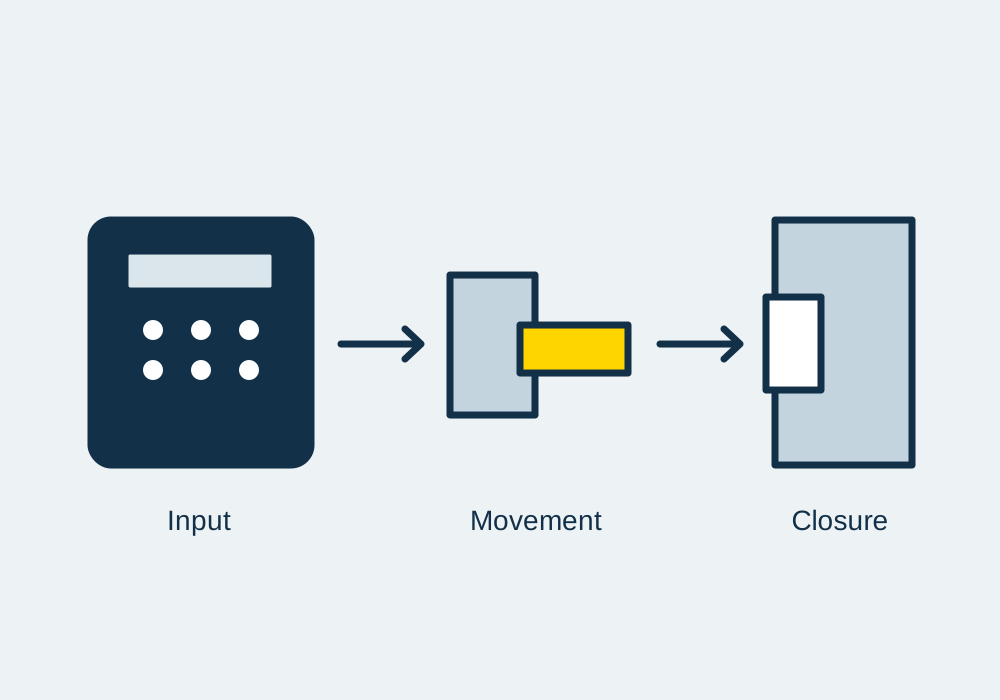
Input → movement → closure — service hardware illustration
A successful input is only one part of the lock’s operation.

Bolt and strike

The electronic controls still depend on a physical bolt or latch operating in a door. If the door drags, the strike is misaligned or hardware is loose, the lock may not complete the movement it is being asked to make.

A replacement keypad does not automatically correct those conditions.

Open and closed

An assessment may compare open-door operation with closed-door operation and inspect the mounting and corresponding strike. Describe whether you have been pushing, pulling or lifting the door to use it.

That observation helps explain the fault without establishing a diagnosis by itself.

Door repairs

Where the underlying door needs structural repair, the limits of lock servicing should be stated. Compatible adjustments or hardware work may be considered, while damaged door construction or extensive frame work can require another trade.

The proposal should distinguish the lock-related work from other repairs needed at the entrance.

05 / Before work begins

Make authorized changes to codes and users

Who may approve

A code change is an access decision as well as a setup task. Establish who may approve it, who needs continued access and how old permissions should be handled.

On a shared entrance, one occupant should not decide the access arrangements for everyone else without the appropriate authority.

Supported features

Ask what the model supports before planning individual codes, schedules or user records. Those functions are not universal.

A standalone keypad and an account-connected device can have different administration processes, and the availability of a feature should not be inferred from a similar-looking product.

Account ownership

If the property has changed hands, determine whether an account transfer is needed in addition to a local code change. Use the provider's supported ownership or administration process.

Servicing should not be treated as a way to bypass a previous user's account or defeat a product's authorization controls.

06 / Consider the options

Agree the limits of repair or replacement

Identify the work

The assessment should identify whether the request concerns door adjustment, a setup issue, a compatible component or a product that needs manufacturer support. Some electronic assemblies are serviced as units rather than as individual internal parts.

Availability and the manufacturer's support arrangements affect the options.

Consider replacement

Replacement may be discussed when the installed unit is damaged, unsupported or unsuitable for the entrance, but it is not the automatic result of a missed code or an app error. Ask what evidence supports the proposed work and which existing parts or account settings would remain.

Support outside the lock

If the fault lies outside the supported lock work, ask what information should be retained for the appropriate specialist. Clear model details and a record of the symptom are still useful.

Avoid approving a general “reset everything” approach without understanding the access and configuration that could be affected.

Manufacturer information

For a product still covered by a manufacturer's support arrangement, ask whether that route should be used before parts are changed. Retain the model details and any instructions the provider has already supplied.

Explain whether the current request is to assess the installation, carry out a supported adjustment or investigate the device itself. Those distinctions help avoid conflicting changes by different people working on the same entrance.

07 / Prepare your request

Prepare for the service discussion

Describe the sequence

Give the office the location, product details and a short sequence describing what happens. For example, say whether the keypad accepts input, whether movement is heard and whether the door can then be opened.

Do not include the actual code in that sequence.

  • Identify the owner or administrator who can approve changes.
  • Explain whether the lock is standalone or connected.
  • Note whether the door remains accessible by an authorized method.
  • List the symptoms and any displayed messages.
  • Mention recent batteries, door work or account changes.
  • Keep manuals and relevant purchase records available.

Handover planning

For a property transfer, the moving-home checklist and access-control handover guide help separate mechanical keys from administrative access. Use the guide that matches the type of property and system involved.

08 / Assessment and handover

Test the agreed functions and record the outcome

  1. Test included functions

    After servicing, check the functions included in the scope. These may include local entry, normal bolt or latch operation and authorized user changes that the product supports.

    Observe the door closing and securing, rather than relying only on a success message from the keypad or app.

  2. Document limitations

    Confirm how remaining users should operate the device and what records or instructions the administrator needs. If some connected functions are outside the supported work, record them as separate unresolved items.

    Do not treat a successful local lock test as proof that every remote feature or integration has been checked.

  3. Confirm user changes

    Where an authorized code change was included, have the administrator confirm which users should retain access and which permission was changed. Keep the administrative record separate from a public maintenance log.

    It should be possible to document completion without placing the working code in a message visible to unrelated people.

  4. Discuss the location

    Superior is based in Sherman Oaks and serves the existing Los Angeles service area. Use the contact page to discuss your actual location and hardware.

    Availability and compatibility are assessed from the request; no product coverage or completion time is assumed from the category name alone.

Common questions

Questions before you book

No universal compatibility claim is made. Provide the manufacturer, model and the functions that are failing so support can be checked. Some issues need the product provider, account administrator or a separate network specialist. A photograph alone does not establish that a connected service can be supported.

Do not reset it merely as a preliminary step. Review the correct manufacturer's instructions and establish what access or configuration a reset would remove. Describe the current symptom and previous attempts first. Any proposed setup change should be authorized and suited to the actual model.

Authorized user or code changes may be considered where the product supports them. Confirm who controls the entrance and who needs continued access. If the lock also uses a connected account, changing a local code may be only one part of the handover.

Describe that behavior when making the enquiry. The physical relationship between door, bolt and strike needs assessment. An electronic setting or new code does not address alignment by itself. The work should identify whether adjustment, hardware repair or another door-related repair is needed.

Discuss digital lock servicing

Describe the hardware, the problem and your location. Keep working codes and passwords out of the message.

Photographs of the lock face, door edge or key help us identify the hardware before a visit.

We use these details to respond to your request. See our privacy policy. Access work requires proof of ownership or authorisation.

Identification is required

For any work that provides access to a property, vehicle or safe, the technician will ask for photo identification and evidence that you are entitled to enter. Having that ready keeps the visit short.