
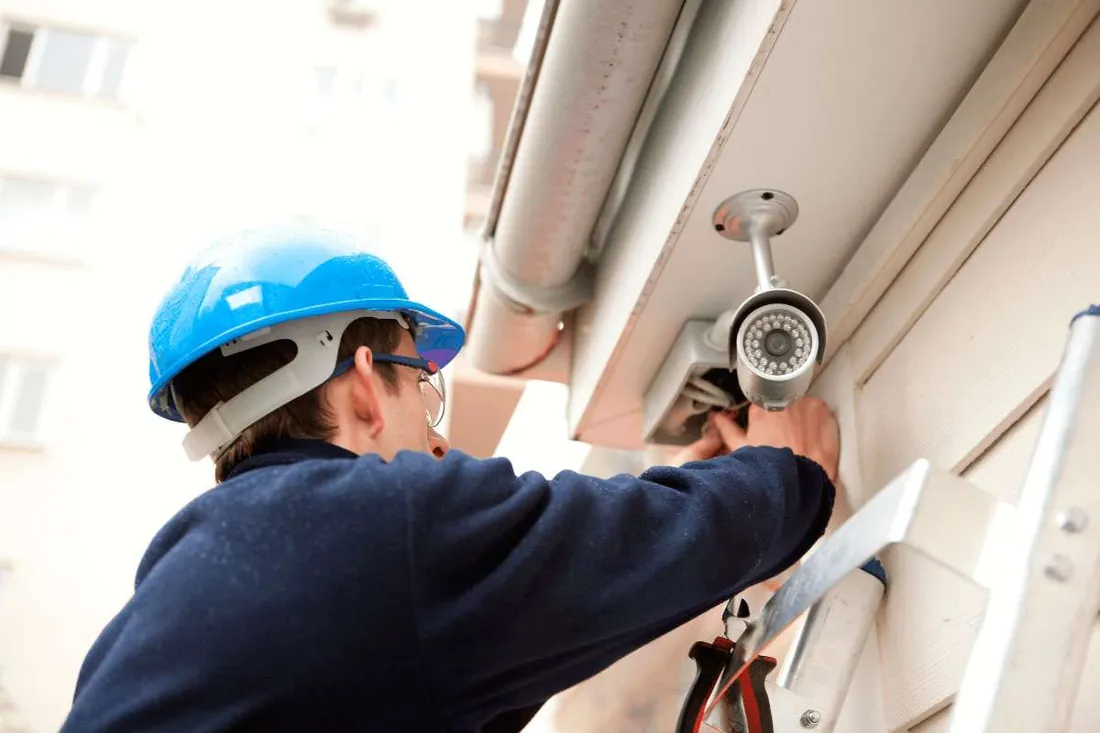
Video surveillance
Video surveillance systems in Los Angeles, CA
Camera placement, cabling, recorder setup and remote viewing for homes, offices and multi-unit property — designed around the specific events you need to be able to review.
Video surveillance
Good camera systems answer questions; bad ones just record
The difference between a system that earns its cost and one that gathers terabytes of useless footage is almost entirely placement. A camera aimed at the whole driveway produces a small, distant, unidentifiable figure. The same camera aimed at the gate produces a face.
So the design starts backwards, from the questions you want to be able to answer. Who came to the door? Who used the rear entrance after hours? What happened at the till at four o'clock? Each of those is one camera, positioned and framed deliberately.
After that come the practical constraints: how each camera gets power and data, where the recorder can live safely, how much footage is worth keeping, and who should be able to view it from elsewhere. None of those are afterthoughts — they determine whether the system is still working in two years.
Coverage
What people usually want to be able to see
The front door
Deliveries, visitors and anyone approaching. The single most useful camera on most residential properties, and the easiest to frame well.
Vehicle and driveway access
Vehicles arriving and leaving, and anyone approaching parked cars. Needs framing tight enough to make plates and faces legible.
Rear and side entrances
The doors that get less attention, which is precisely why they are worth covering.
Retail point of sale
Transactions and the area immediately around the till. Positioned for faces and hands, not for a wide view of the shop.
Service and delivery areas
Loading doors, bins and yard gates — where most commercial incidents actually occur.
Shared building entrances
Lobbies, mail rooms and parking entries in multi-unit property, where the building rather than an individual tenant authorises installation.

Pixels on the face, not pixels on the field.
Design principles
Placement beats resolution, almost every time
A four-megapixel camera framed on a doorway will identify someone. A twelve-megapixel camera covering an entire forecourt will not, because those pixels are spread across too much ground.
The measure that matters is pixel density at the point of interest — how many pixels fall across a face or a number plate at the distance where it actually appears. That determines whether footage is evidence or merely a record that something happened.
Mounting height matters for the same reason. High cameras are harder to interfere with but look down on the tops of heads. Lower placement gives recognisable faces but is easier to reach. Doorway and gateway positions solve this neatly, because people have to pass through a narrow space at a predictable distance.
Lighting is the third factor and the most often overlooked. A camera facing a bright window or a low sun will produce silhouettes all day. Infrared works well at short range in darkness but reflects off glass, so a camera behind a window is usually blind at night. These constraints are cheap to design around and expensive to fix afterwards.
Specification
System choices and what they trade off
Each of these is a trade-off rather than a right answer, and they interact — resolution and retention compete for the same storage.
| Decision | Options | What it affects |
|---|---|---|
| Camera type | Analogue over coaxial, or IP over network cable | Resolution ceiling, cabling reuse, and how flexibly cameras can be placed |
| Power | Power over Ethernet, or separate low-voltage supply | Cable runs, installation cost and how easily cameras can be relocated |
| Recording location | On-site recorder, cloud, or both | Resilience to theft, running cost, and dependence on upload bandwidth |
| Retention period | Days to months | Storage capacity, and how far back an incident can be reviewed |
| Resolution and frame rate | Higher detail versus longer retention | Storage consumed per camera per day |
| Remote access | Local network only, or reachable externally | Convenience against exposure; credential strength becomes critical |
| Audio | Enabled or disabled | Legal obligations in California are stricter for audio than for video |
Responsibilities
Privacy, and keeping the system itself secure
Two obligations come with a camera system, and both are easier to meet at design time than to retrofit.
The first is where cameras point. Coverage should be your own property and its approaches. Aiming a camera into a neighbour's windows or garden, or into spaces where people reasonably expect privacy, creates problems that no amount of good intent resolves. In a workplace, areas such as changing rooms and rest rooms are simply not acceptable to record. Audio deserves separate thought: California treats recording conversations more strictly than recording images, and many systems are better installed with audio disabled unless there is a clear reason and clear signage.
The second is the security of the system itself. A recorder exposed to the internet with default credentials is a well-documented route into a network and a well-documented source of footage appearing where it should not. Changing default passwords, keeping firmware current, limiting who has remote access and putting cameras on a separate network segment where practical are all part of a competent installation.
Physical security of the recorder matters too. A recorder sitting in plain view next to the front door will leave with anyone who takes exception to being recorded. Concealed placement, a locked enclosure, or pushing event clips off-site all address the same risk.
Process
How an installation is planned
Retrieving footage under pressure is a skill worth practising once, calmly, at handover.
Walk the property
Identify the specific events worth capturing, and where someone has to pass to make them happen.
Frame each position
Set the view for pixel density at the point of interest, accounting for light through the day and at night.
Plan power and cabling
Route cable, place the recorder somewhere concealed and secured, and size storage against the retention you want.
Install and hand over
Mount, aim and focus each camera, configure recording and remote access, change default credentials, and show you how to retrieve footage.
Before you start
Questions worth answering before installation
These decide the design more than any product choice does.
- Which specific events do you want to be able to review?
- How far back does a useful recording need to go?
- Is there existing cabling, or does everything need running?
- Where can a recorder live out of sight and out of reach?
- Who should be able to view footage remotely?
- Does any camera view reach beyond your own property?
- Is audio actually needed, or better disabled?
- Who will retrieve footage when something happens?
Common questions
Video surveillance questions
Discuss a camera installation
Tell us what kind of property it is and which areas you want covered.
Identification is required
For any work that provides access to a property, vehicle or safe, the technician will ask for photo identification and evidence that you are entitled to enter. Having that ready keeps the visit short.