
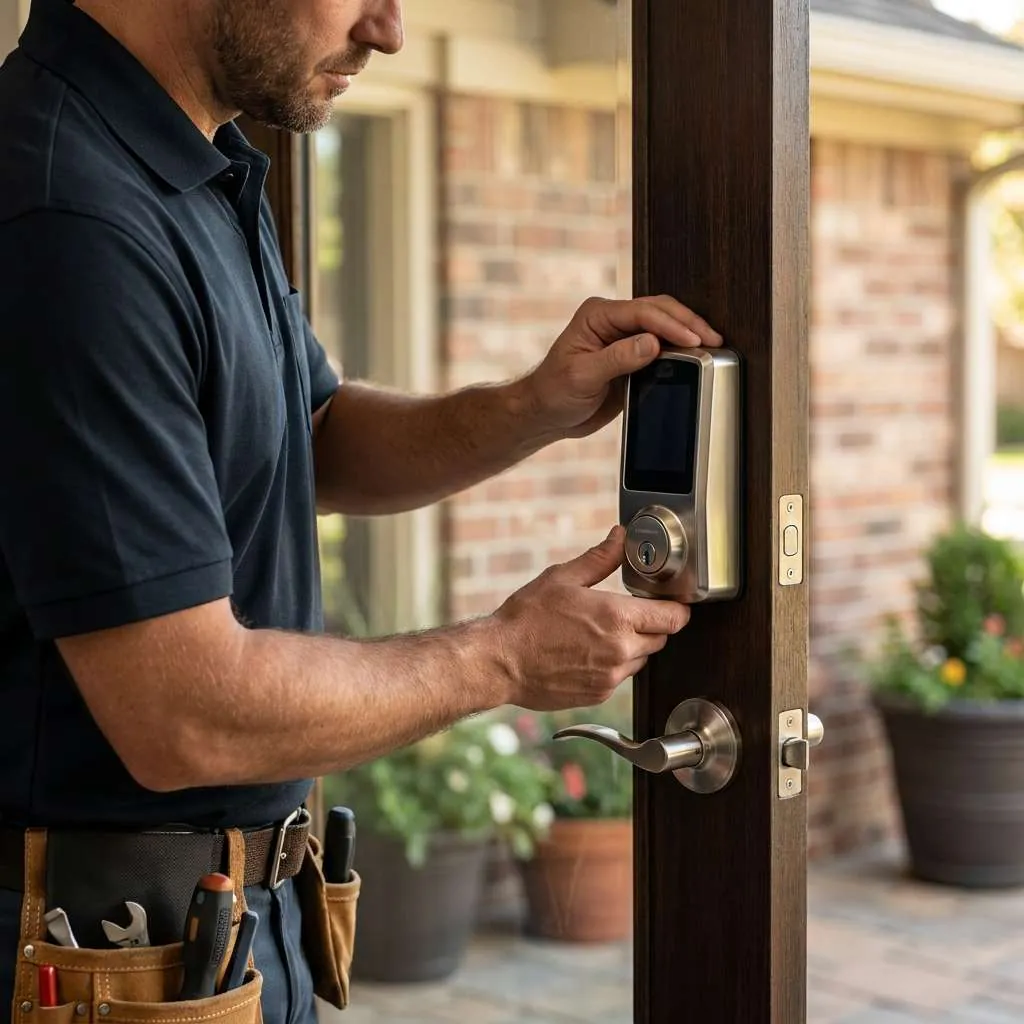
Focused service
Smart lock installation
Fitting keypad and connected deadbolts to doors that are prepared and aligned to carry them — because a motorised lock is far less forgiving than a hand on a key.
Smart lock installation
The lock is the easy part. The door decides whether it works.
A smart deadbolt is a deadbolt with a small electric motor where your wrist used to be. Everything that follows from that is the reason installations succeed or fail.
A hand applies a surprising amount of torque without you noticing. If a bolt catches slightly on the strike, you push a little harder and think nothing of it. A motor has no such reserve. It runs at full load on every cycle, consumes batteries at several times the expected rate, and eventually reports a jam or simply fails to complete the throw — leaving a door you believe is locked and which is not.
So the order of work is fixed and non-negotiable: check the door preparation, confirm the bolt throws freely into a correctly positioned strike, correct anything that is off, and only then fit the lock. Skipping that step is the single most common reason people conclude smart locks are unreliable.
Compatibility
What to check before buying a lock
Five minutes with a tape measure prevents most smart-lock disappointments.
| Measurement | Typical range | Why it matters |
|---|---|---|
| Door thickness | 35–45 mm on most residential doors | Thicker or thinner doors need a different spindle or an adaptor kit |
| Backset | 60 mm or 70 mm | The distance from the door edge to the centre of the bore; the latch must match it |
| Bore diameter | 54 mm is standard | Non-standard bores may need enlarging, or a different lock |
| Edge bore | 25 mm is standard | Where the latch or bolt assembly passes through |
| Stile width | Varies; narrow on some glazed doors | A narrow stile may not leave room for the lock body |
| Door material | Timber, composite or metal-clad | Metal doors affect wireless range and may need different fixings |
Process
How the installation runs
The first two steps take longer than the third and matter more.
Assess the door
Hinges, strike position, bolt travel and the gap around the door. Anything that makes the bolt work harder than it should is corrected first.
Correct the opening
Tighten or replace hinge screws, reposition or enlarge the strike, ease the mortise. The bolt should throw with no resistance at all.
Fit the lock
Mount the exterior and interior assemblies, set the handing and the bolt orientation, and check the spindle engages cleanly.
Test, then configure
Cycle the lock with the door closed before any code or app is set up. Electronics are only configured once the mechanics are proven.
Choosing
Choosing between keypad and connected locks
A keypad deadbolt does one thing: it accepts a code and moves a bolt. No router, no account, no cloud service, no firmware anxiety. Codes are added and removed at the door. For most households that is the right amount of technology.
A connected lock adds a radio — Wi-Fi, Bluetooth, or a hub protocol — and with it remote locking, notifications, scheduled access and an activity log. Those features are genuinely valuable in specific circumstances: a rental property where guests change weekly, a second home, a household with regular visiting help, or anyone who has ever driven back to check whether the door was locked.
The trade is dependency. A connected lock relies on a network, an account and a manufacturer continuing to support the product. Most keep working as ordinary keypad locks when the connection drops, which is worth confirming before you buy.
Both are still deadbolts. Both depend on the door being right.

In practice
Practical points people learn the hard way
- Keep a mechanical key accessible but not inside the house
- Replace batteries on a schedule rather than waiting for the low warning
- Use long strike screws that reach the stud — frames fail before locks do
- Change the code when the list of people who know it changes
- Avoid codes that match a house number or an obvious date
- Check whether the lock still works as a keypad if the network drops
- Find out how your lock behaves on a completely flat battery, before it happens
- On an exterior gate, confirm the hardware is rated for weather exposure
Common questions
Smart lock questions
Request smart lock installation
Tell us the door type and whether you already have a lock in mind. A photograph of the door edge is useful.
Identification is required
For any work that provides access to a property, vehicle or safe, the technician will ask for photo identification and evidence that you are entitled to enter. Having that ready keeps the visit short.